
Today, 1 October 2026, Australia’s card surcharge ban comes into effect for major card networks, including Visa, Mastercard, eftpos and American Express.
In general, businesses can no longer add a separate surcharge to covered card payments. But they still have options.
What does the card surcharge ban mean?
The RBA changed its regulatory framework to allow designated networks to introduce no-surcharge rules. Visa, Mastercard and eftpos introduced those rules, and American Express separately removed surcharging.
Enforcement operates through card networks, payment providers and merchant agreements. The ACCC still enforces Australian Consumer Law, including rules on misleading pricing. For the full background, read Who is banning card surcharges in Australia?
This guide focuses on the major covered card networks. It does not mean every surcharge or every payment method is banned. See the RBA’s surcharge FAQs and the ACCC’s card surcharge guidance for exceptions.
Card surcharges are ending, but merchant fees remain
Card acceptance still costs money. Lower interchange caps do not eliminate all merchant fees, because scheme fees and provider margins remain.
Review your total costs and ask your provider how the reforms affect your plan. Our guide to blended versus interchange-plus pricing explains why two merchants can see very different results. For a broader overview, see what Australian merchants need to know about card surcharge changes.
Option 1: Offer a discount for your preferred payment method
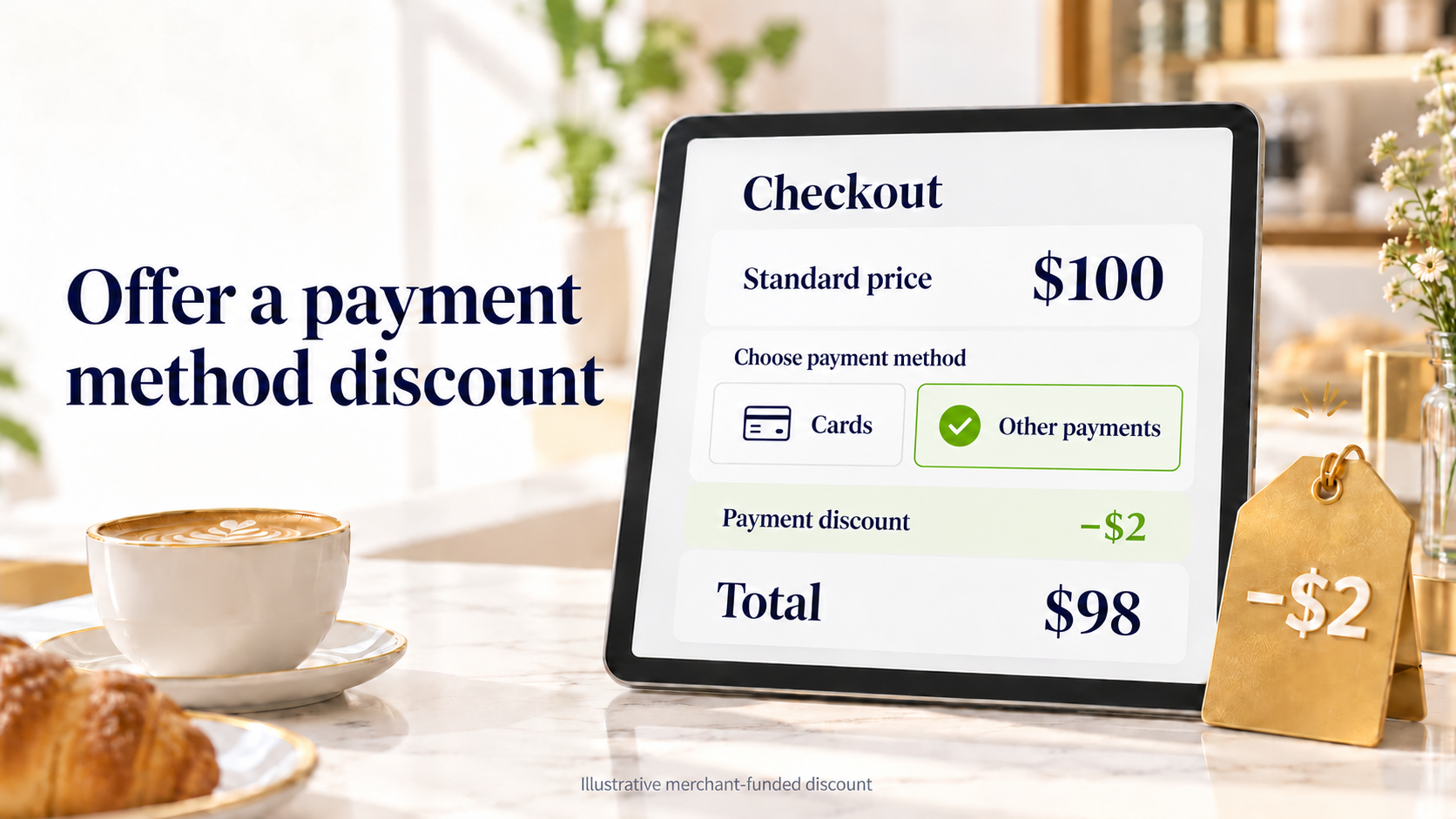
Businesses can still offer discounts for particular payment methods, such as cash, PayID or QwikPay. The regulators’ guidance permits payment method discounts generally. The ACCC sets out how to display them clearly.
- Display the full undiscounted price.
- Do not display only the discounted price.
- Do not make the discounted price more prominent than the full price.
- Explain the qualifying payment method and discount before customers book, order or pay.
- Apply these principles across menus, websites, invoices and promotions.
For example, a sign could read:
Standard price: $100. Pay with QwikPay and receive a $2 discount. You pay $98.
This is a hypothetical merchant-funded discount, not an automatic QwikPay promotion. Read the ACCC’s guidance on displaying prices and payment method discounts before you update your signage.
Choose a discount that works for your margins
A discount only makes sense if your margins can support it. This illustrative comparison shows how the numbers might work:
| Payment type | Customer pays | Assumed transaction fee | Amount remaining |
|---|---|---|---|
| Card payment | $100 | 1.5% ($1.50) | $98.50 |
| Alternative payment with $1 discount | $99 | $0 | $99 |
These are hypothetical figures, not market averages. The table excludes subscriptions, fixed charges and other expenses. It is also a separate example from the $2 signage example above.
Do not disguise a surcharge
Renaming a card surcharge as a processing, platform or service fee is not a workaround. A legitimate charge applies regardless of how the customer pays. A disguised card surcharge applies only, or mainly, when someone pays by card.
Option 2: Add QwikPay for zero transaction fees
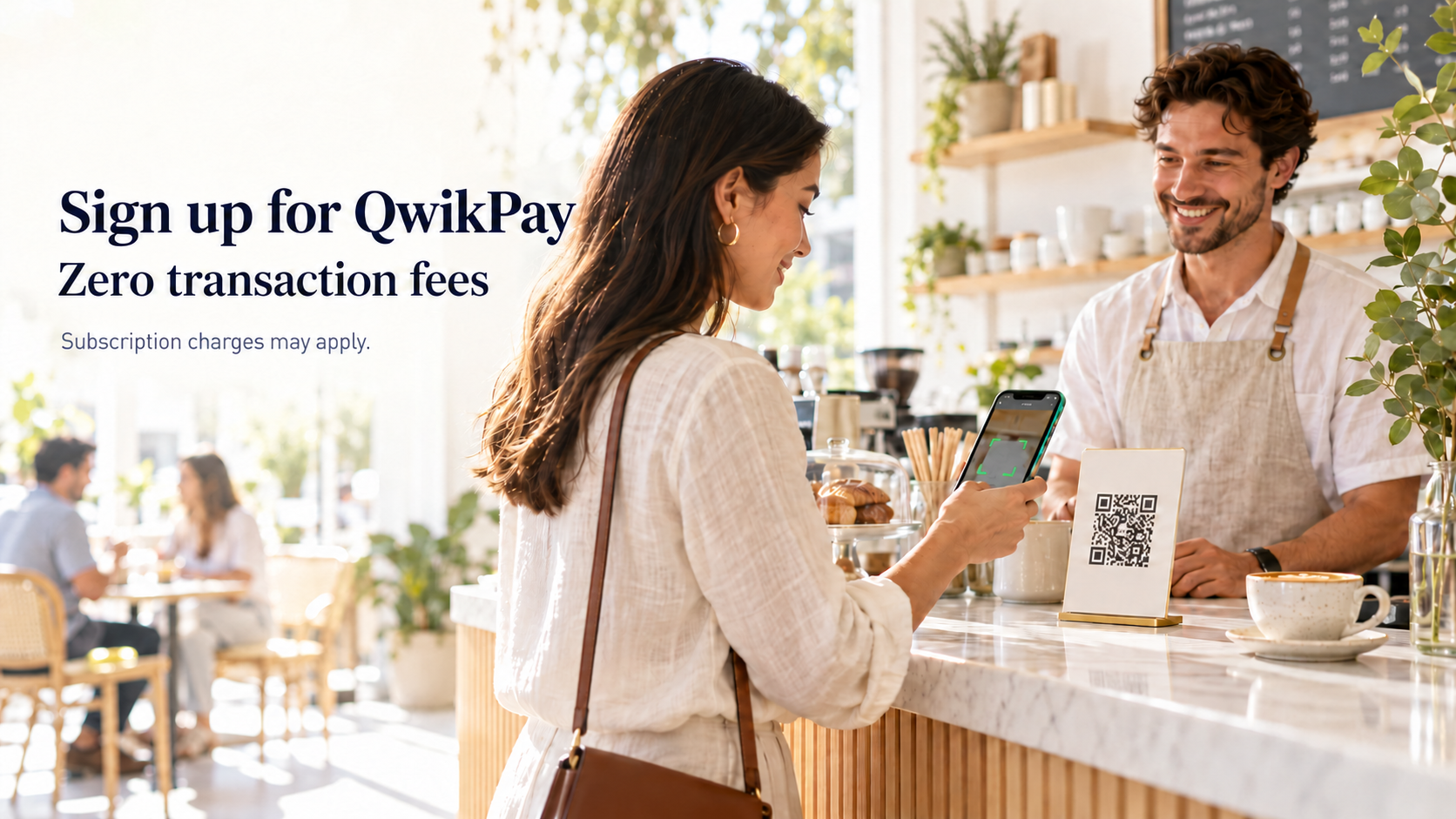
QwikPay can be added alongside your existing EFTPOS. Customers use the QwikPay app and add funds to their wallet using supported methods such as PayID or PayTo. They then scan your merchant QR code or use an available in-app payment option. Learn more about how PayTo works in Australia.
Once the payment is confirmed, funds move from the customer’s QwikPay wallet to your merchant QwikPay wallet. Available funds can be withdrawn to your verified bank account. Receiving a payment in your wallet is separate from settlement to your bank account.
QwikPay charges zero transaction fees on QwikPay payments, and customers earn rewards when they pay. QwikPay uses a business subscription model, so subscription charges may apply after an applicable free period. Check current pricing and terms during onboarding.
Practical business checklist
Explore QwikPay for your business
See QwikPay for merchants to learn how it works, or start your merchant application.