Log in to your merchant account
Access your QwikPay Merchant Account through your web browser or via the QwikPay Merchant App.
2 min readUpdated August 2026
Step 1: Access your account
You can access your QwikPay Merchant Account either through a web browser (Chrome, Edge, or Firefox) or via the QwikPay Merchant App, available on the Apple App Store and Google Play Store.
Step 2: Logging in via browser
Desktop or laptop
- Click Merchant Login to open the login screen.
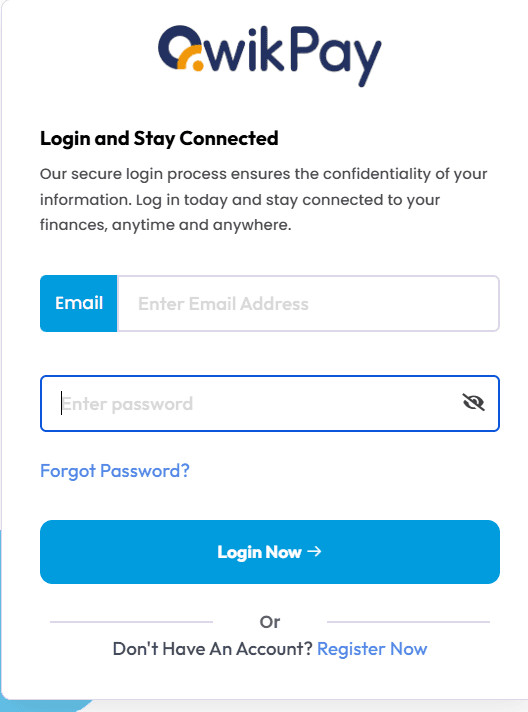
- Enter the email address and password you provided during onboarding.
- If you've forgotten your password, select "Forgot Password" to reset it.
Step 3: Need help?
If you experience any issues logging in, please submit a support ticket at support.qwikpay.com.au, and our team will assist you promptly.
Related articles
Still need help?
Our support team can help with your account.