Export transactions
View and download your QwikPay transaction history for record-keeping and accounting.
2 min readUpdated August 2026
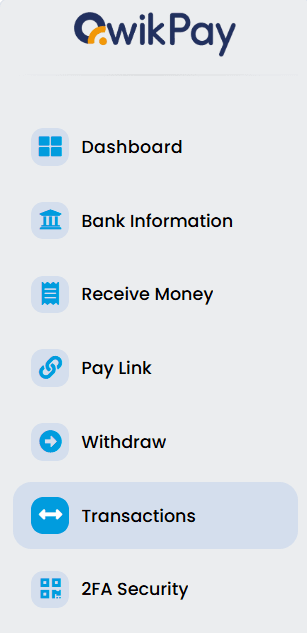
Step 1: Access your transactions
Within the menu on the Merchant Web Portal or Mobile App, the Transactions section allows you to view all your transactions by date.
Step 2: Filter and export
- Go to the Transactions section of your portal or app.
- You can filter transactions by:
- Transaction type
- Date range
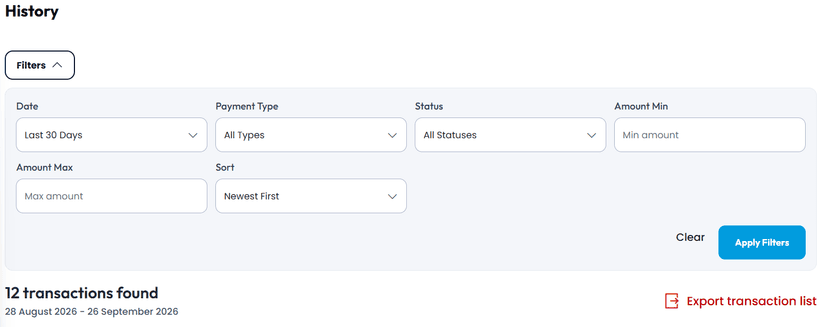
- Export the transaction details as a PDF for your records, accounting, or bookkeeping purposes.
Step 3: Use cases
Export your transactions for:
- Financial record-keeping
- Bookkeeping and accounting
- Tax reporting
- Dispute resolution
Related articles
Still need help?
Our support team can help with your account.