Update your bank information
Change the bank account you use for QwikPay withdrawals.
2 min readUpdated August 2026
Step 1: Update via the portal
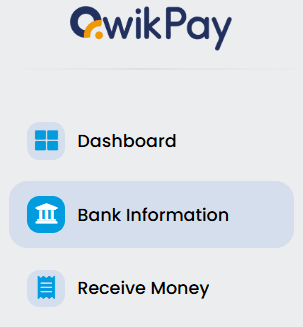
Within the menu on the Merchant Web Portal or Mobile App, there is a Bank Information section where you can view and update your bank details at any time.
Step 2: Other ways to update
You can also reach out to our team using any of these methods:
- Use Live Chat on the Merchant Portal
- Submit a Service Ticket at support.qwikpay.com.au
- Email us at support@qwikpay.com.au
Step 3: Need help?
Our support team is available to assist you with updating your bank information or answering any questions you may have.
Related articles
Still need help?
Our support team can help with your account.